Home/WooCommerce
From the photo set to the product page
Generating the photos is half the job. The other half is the twenty minutes of uploading, cropping, reordering and typing that follows. Shotina does that part too.
Connect the store once
Your categories load in
Review the drafted listing
Publish or save as a draft
Product
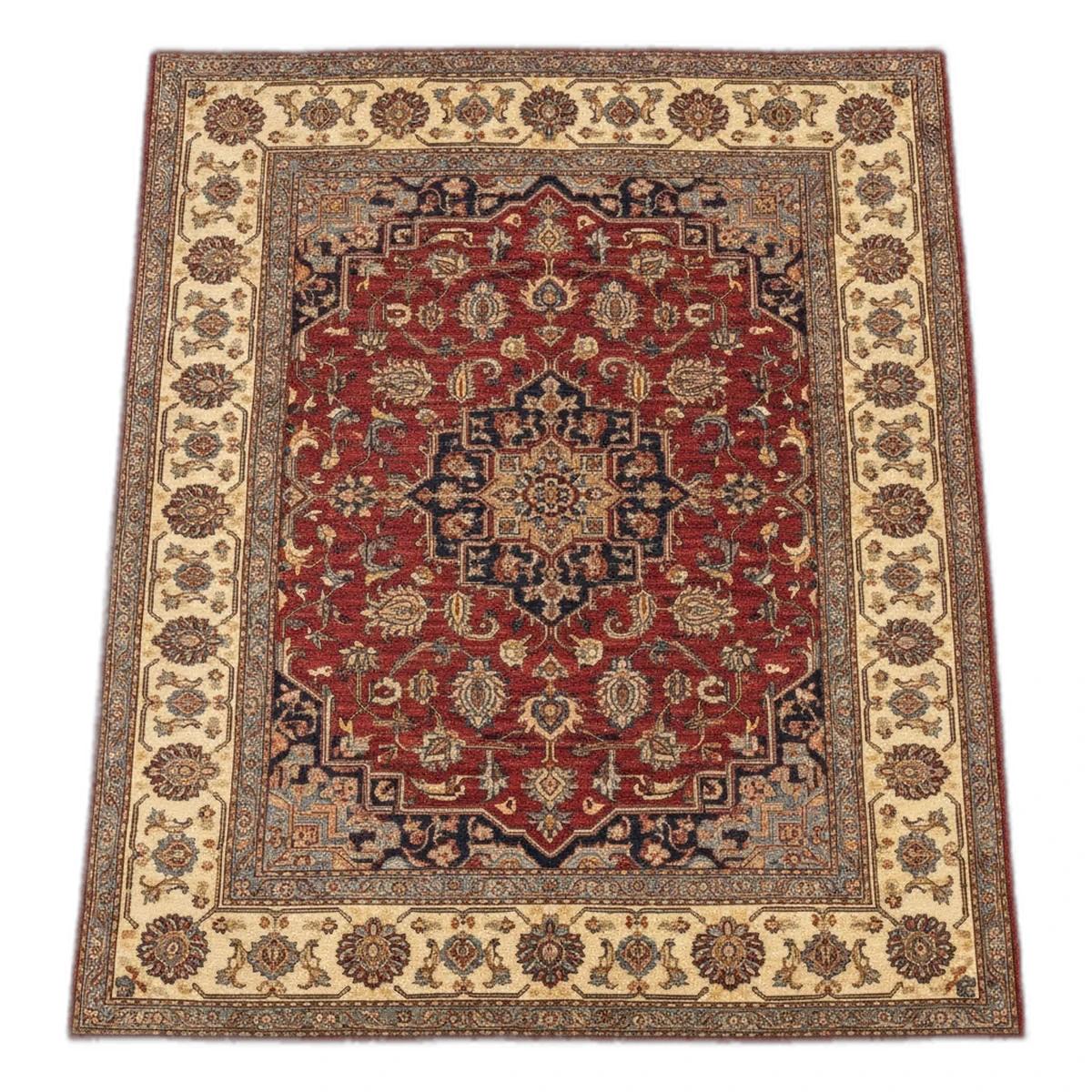
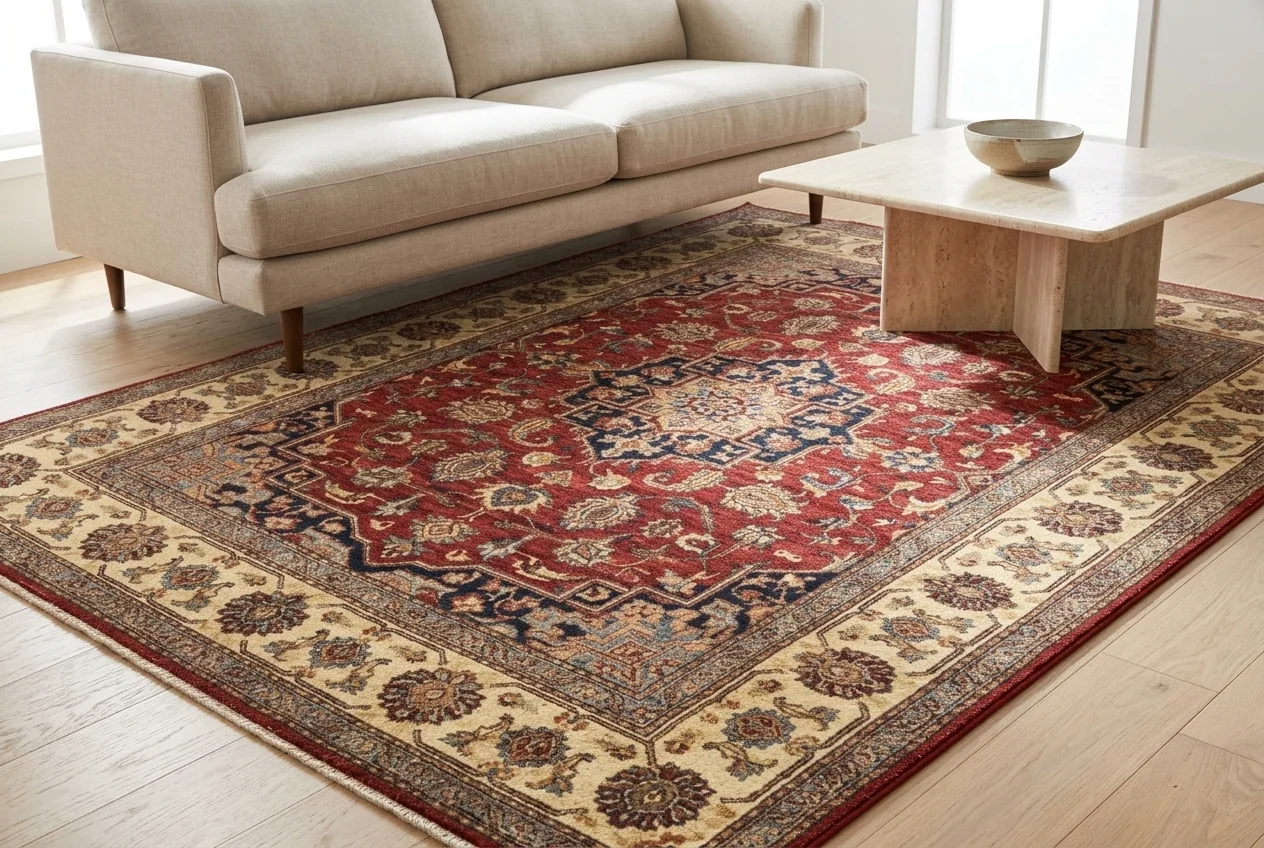
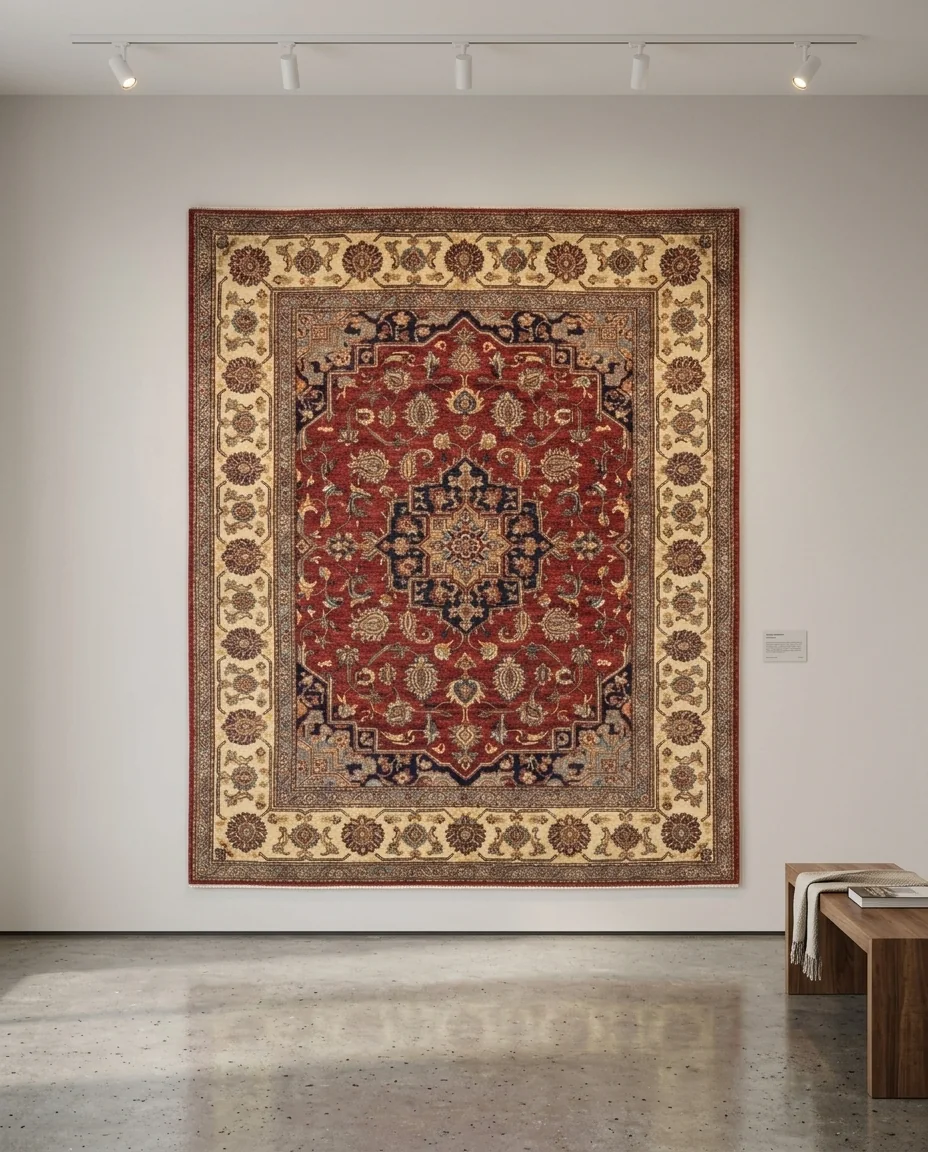

Category
Exactly what lands on the page
Nothing is written to your store until you press publish, and you see every field first.
The full gallery
Every generated photo, in the order you arranged them, with the first one set as the featured image.
Title and descriptions
A product title, a long description and a short description, drafted from the piece and editable before publishing.
SEO fields
Meta title and meta description written for the listing, ready for your SEO plugin to pick up.
Your categories
Assigned to the categories you already use. Shotina reads them from your store rather than inventing its own.
Attributes and variations
Size, origin, material, colour and anything else you have set up, including variable products.
Price and SKU
Regular price, sale price and SKU, filled in on the review screen and sent with the product.
Before you connect
What access does Shotina need?
A standard WooCommerce REST API key with read and write on products. You generate it in your own WordPress admin and you can revoke it at any time.
Will it change my existing products?
No. It creates new products, or updates only the one you are working on when you choose to. Nothing else in the catalogue is touched.
Does it work with Shopify?
WooCommerce is the one that publishes end to end today. For other platforms you can download the full resolution files and the drafted listing text and paste them in.
What if my store is behind a firewall?
The REST endpoint has to be reachable from the internet. If your host blocks it, allow the Shotina requests through or use the download route instead.
Can I publish in bulk?
Yes. Generate a batch of sets, review them together, then publish the whole batch in one action.
Skip the uploading part
Connect the store, run a product, and watch it land on the page finished.