Home/How it works
From one photo to a finished product page
No studio, no model, no lighting kit. Three steps, and the longest one is choosing which shots you want.
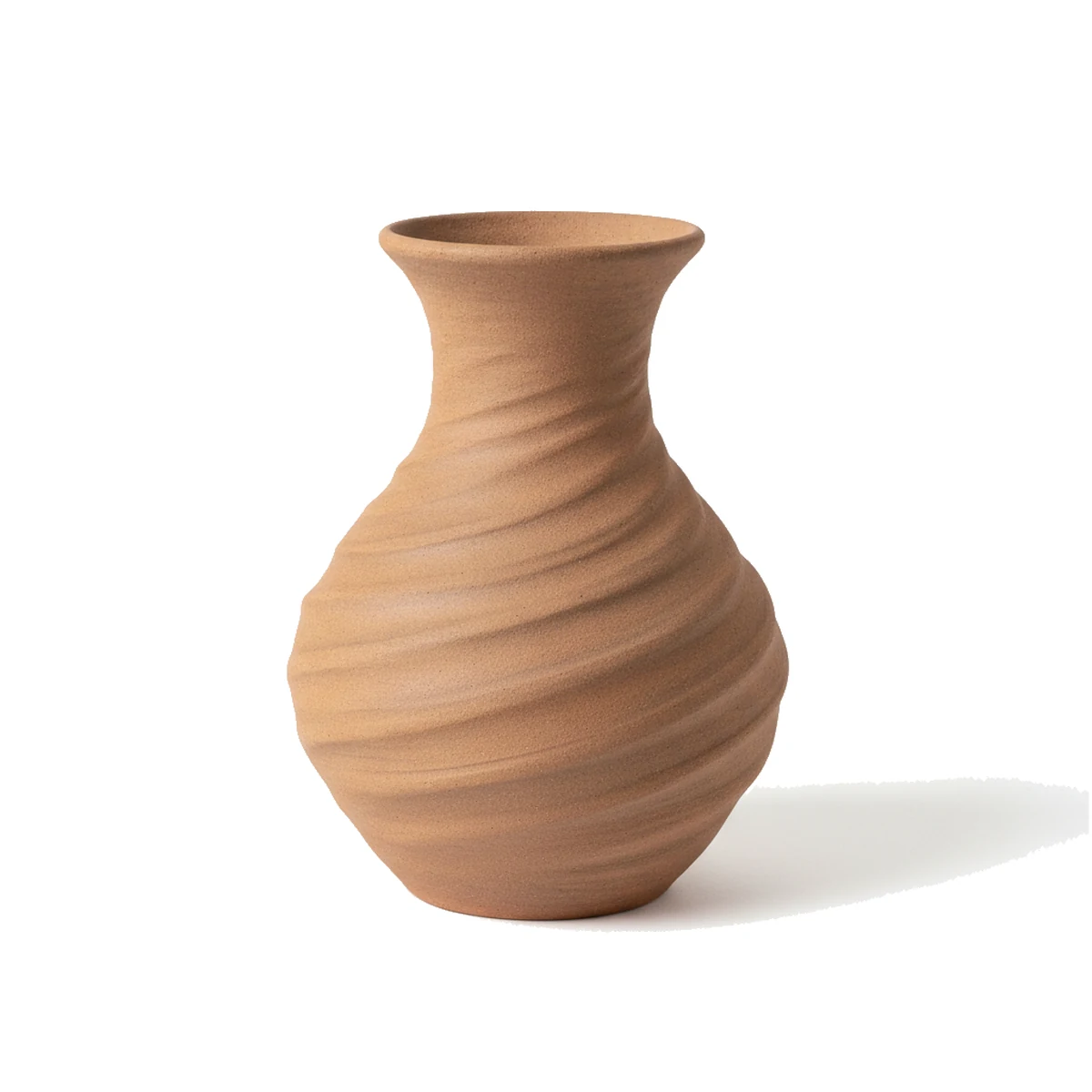
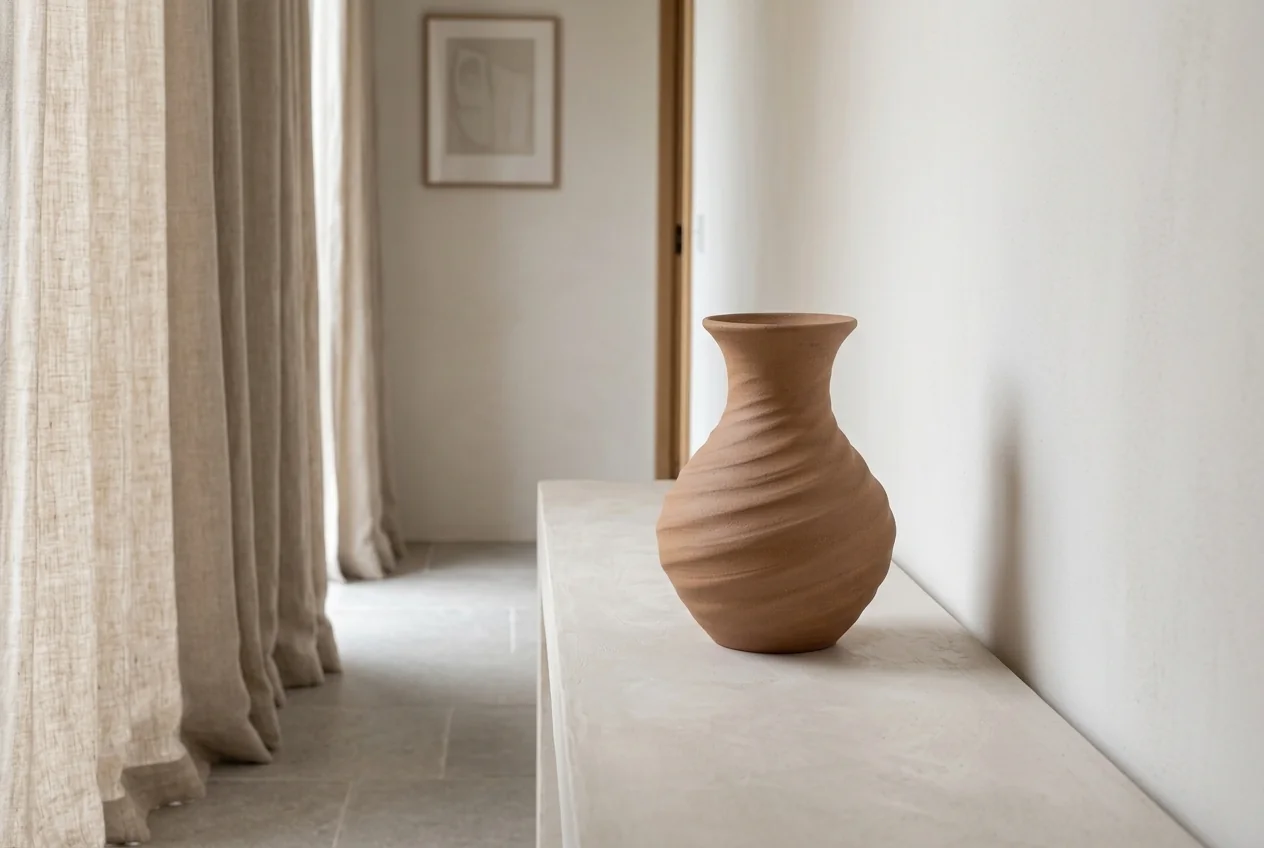 Your photo
Shotina
↔
Your photo
Shotina
↔
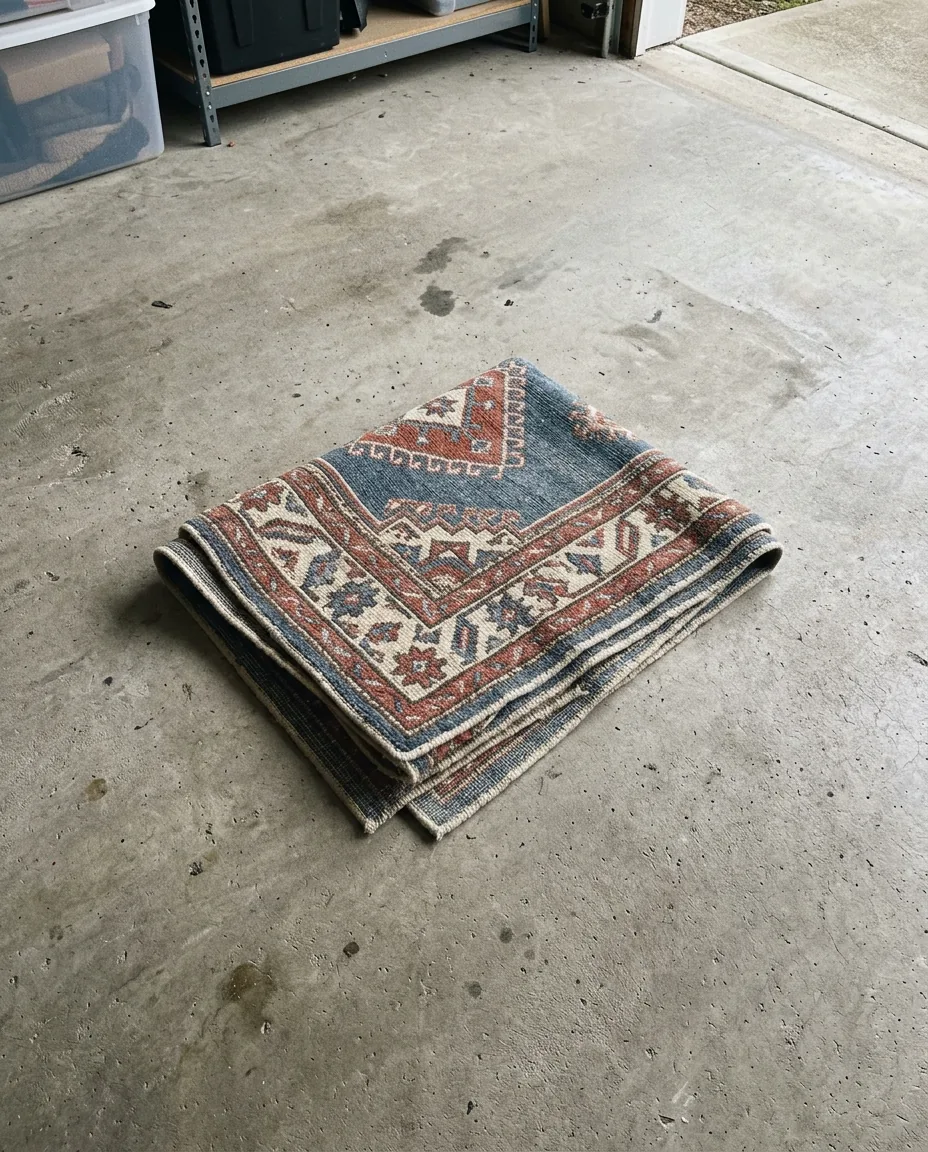
Upload one photo
Lay the piece flat or stand it up, take one clear photo in even light, and upload it. A phone camera is enough. Shotina reads the shape, the pattern and the colour from that single frame.
- Plain background, nothing overlapping the item
- Even light, no harsh shadow across the piece
- The whole product in frame, in focus
- JPG, PNG, HEIC or WebP
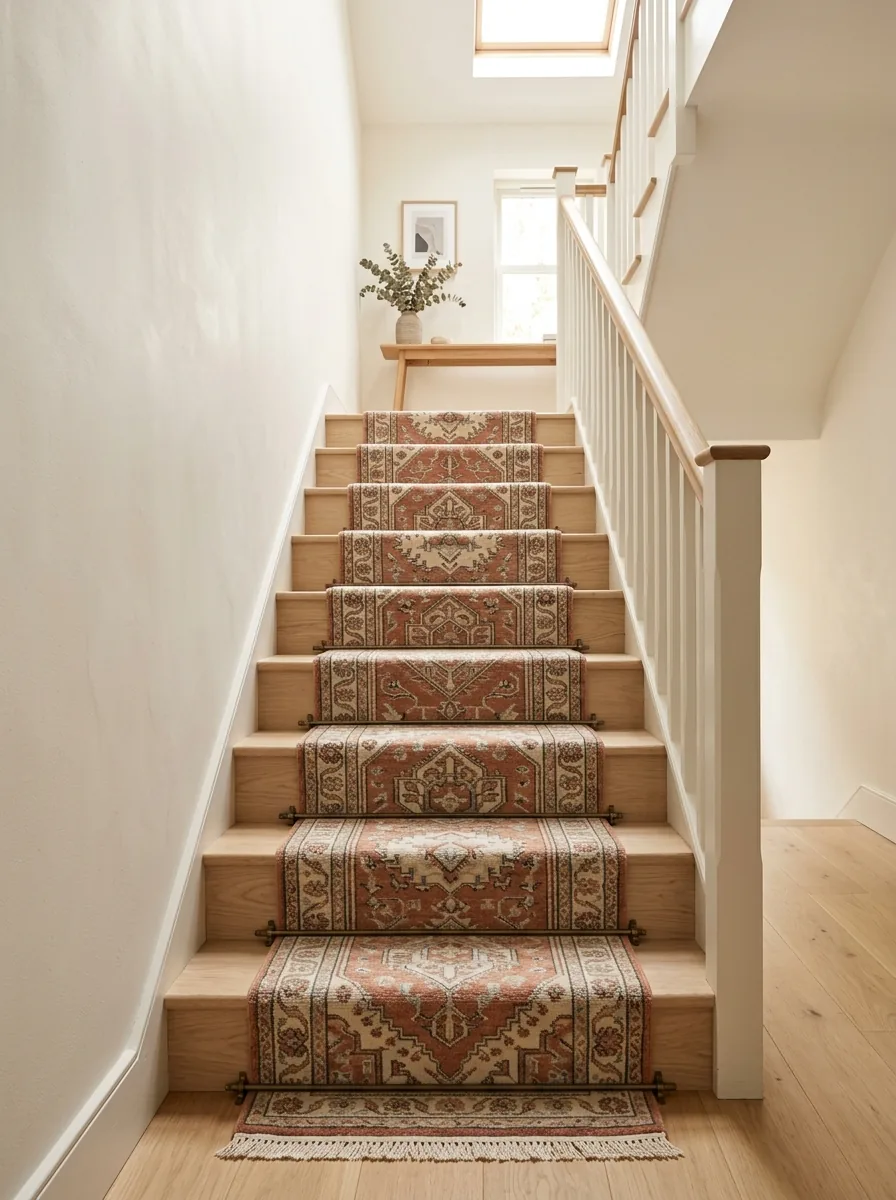
Pick the shots you want
Shotina offers the compositions that suit the category you picked. Tick the ones you want and each becomes its own photo. Every shot spends one credit, so you only pay for what you keep.
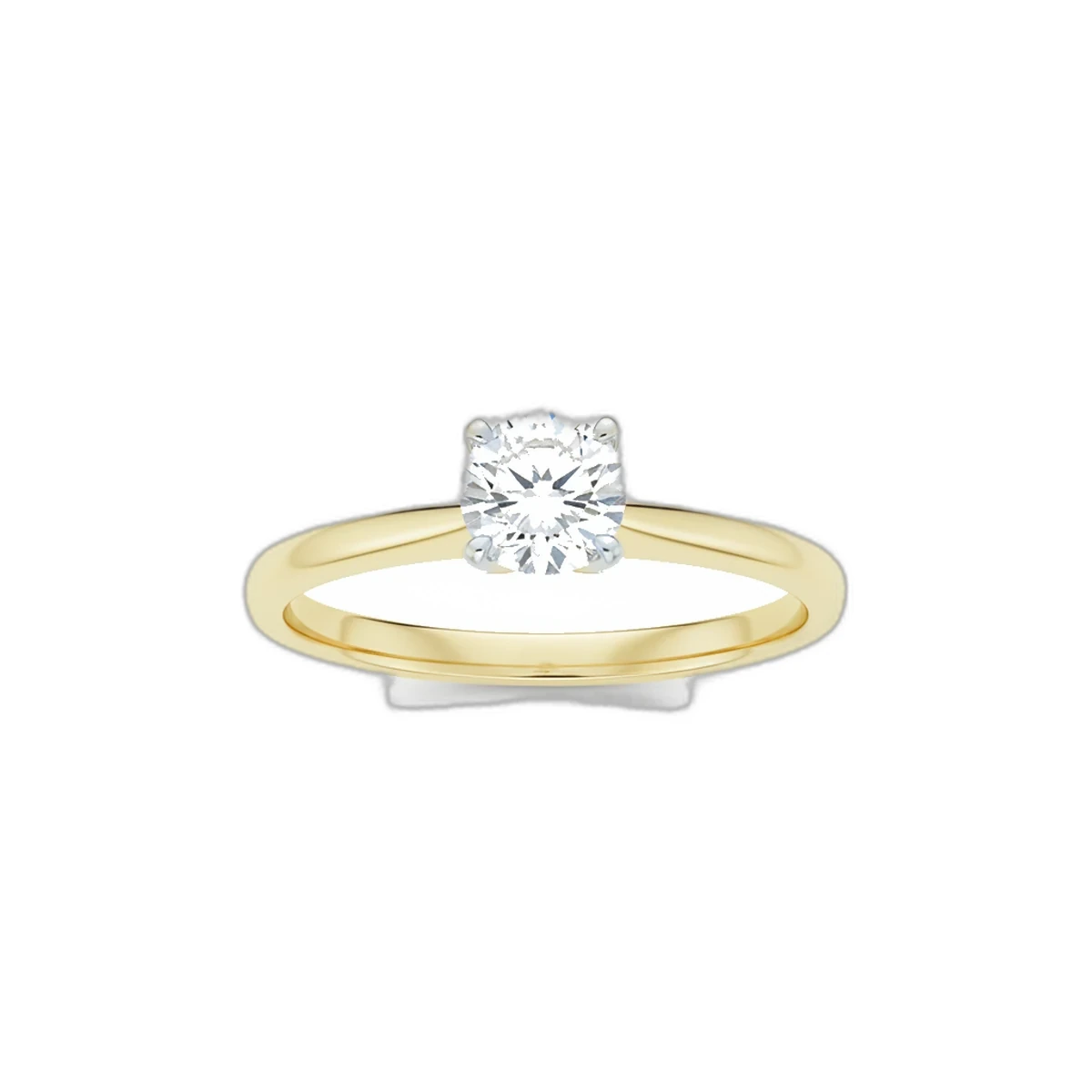
- Clean white, angled studio, top down
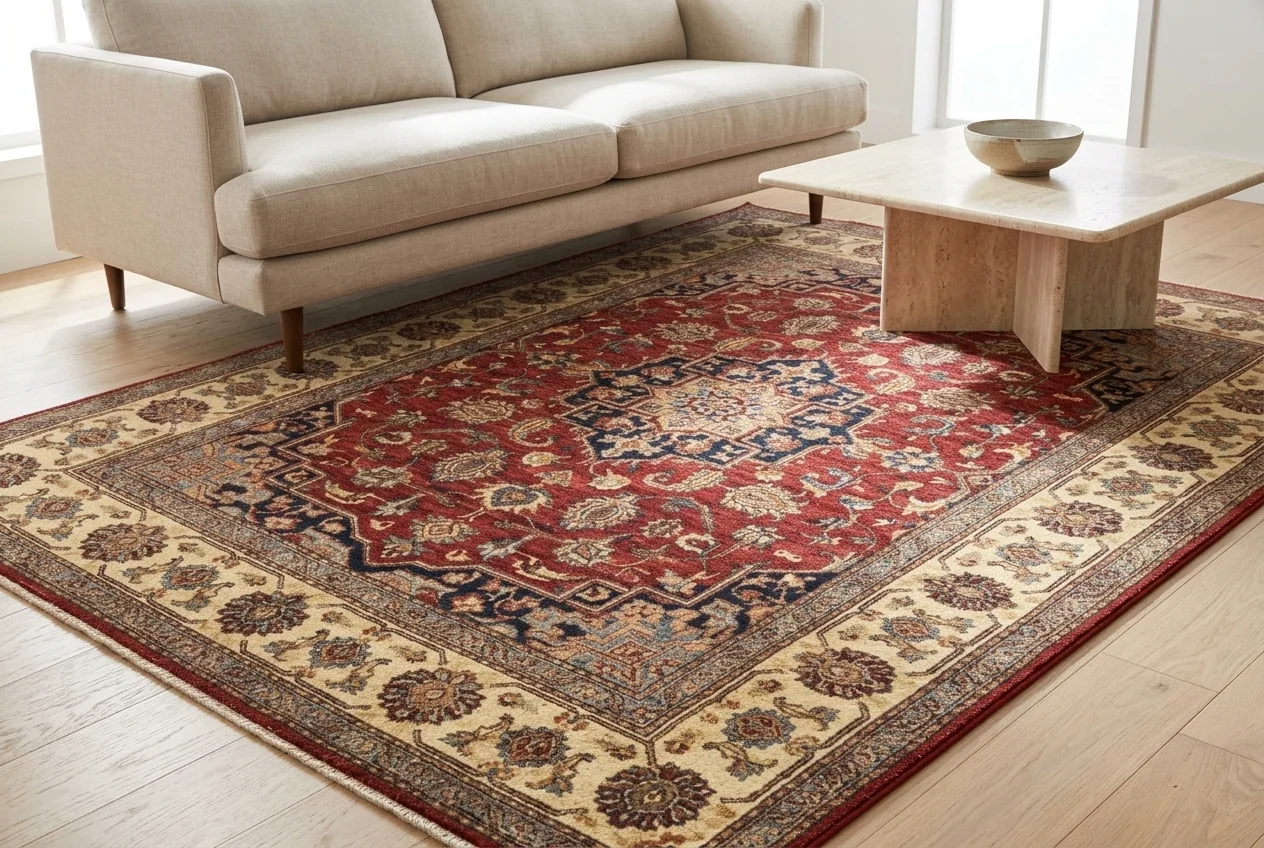
- Styled rooms and lifestyle tables
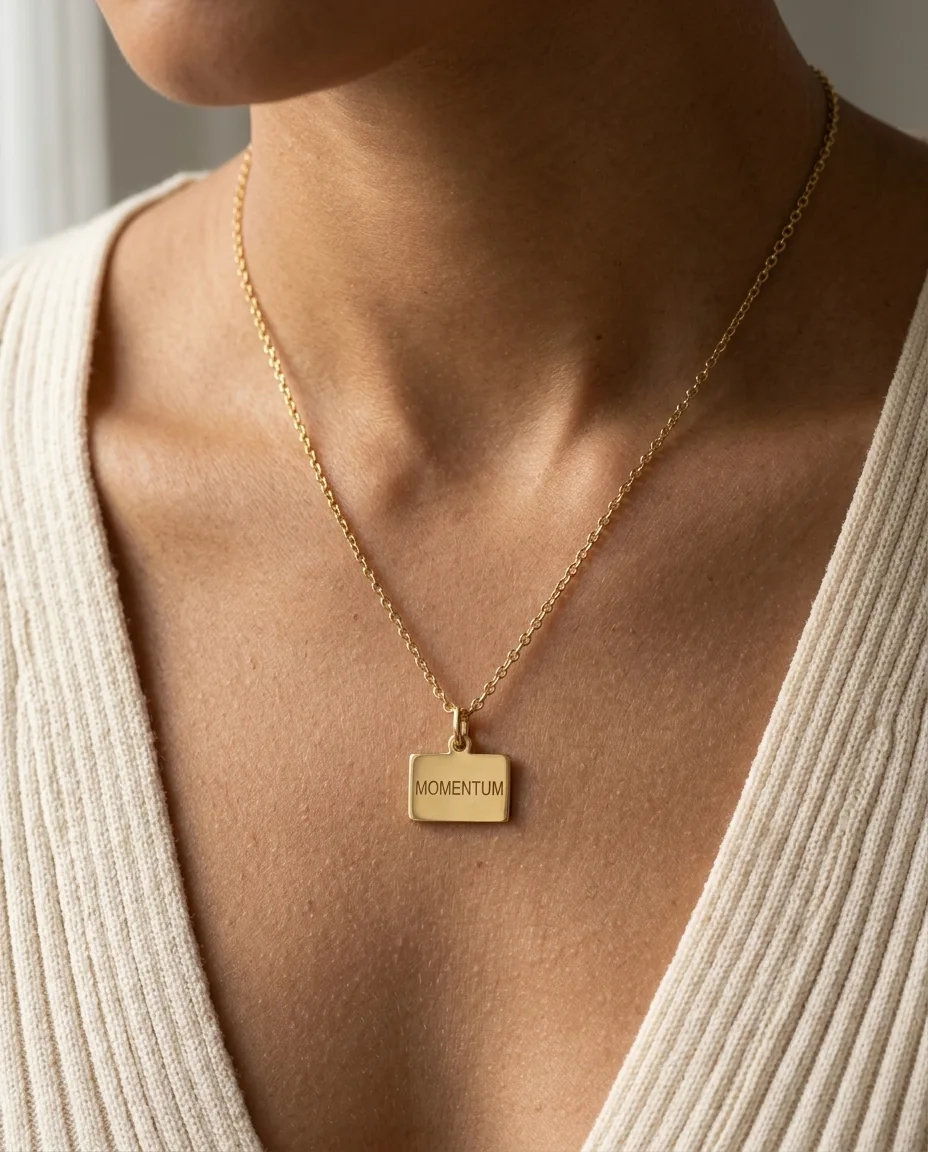
- Worn on the hand, neck, ear or wrist
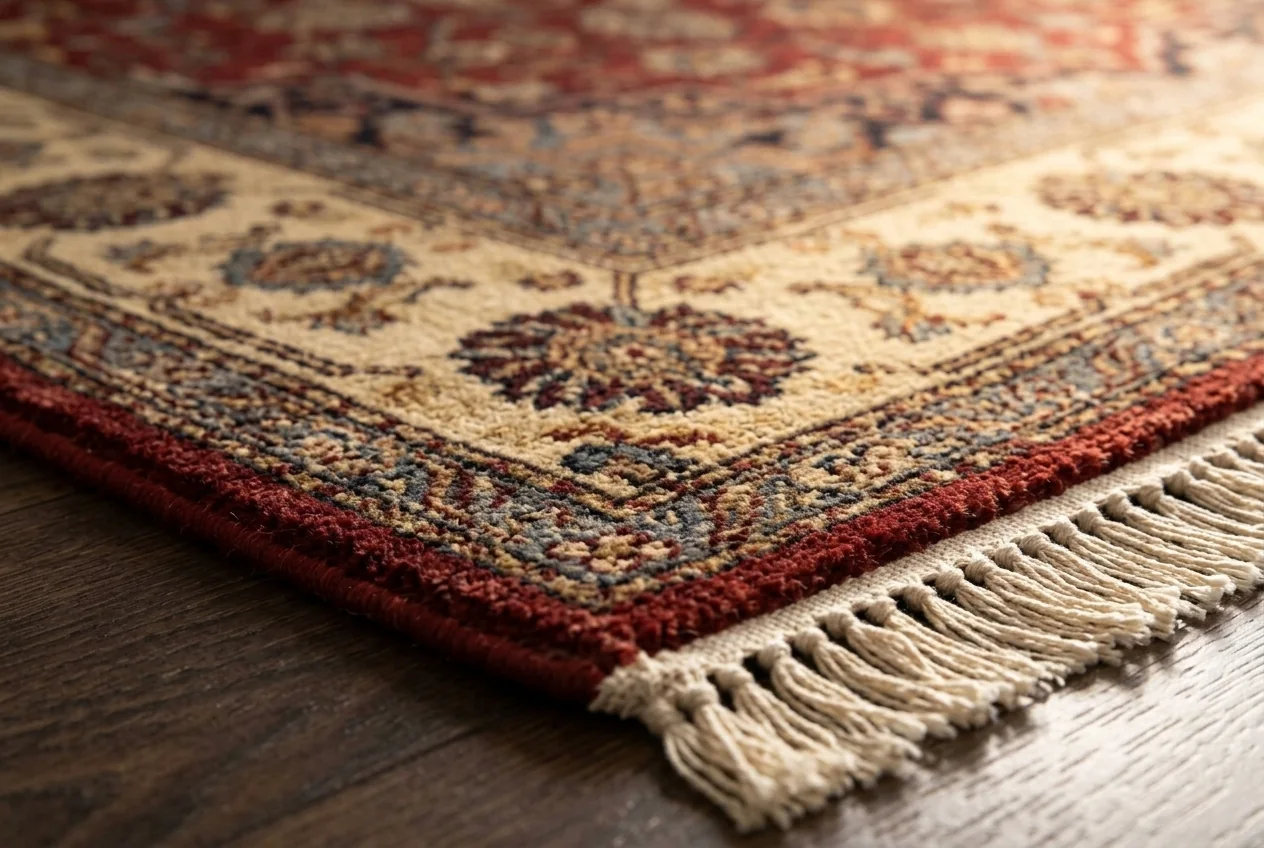
- Macro detail and dark dramatic

Review, then publish
The set lands in your projects. Reorder the gallery, edit the drafted title and description, set your price and attributes, then publish to WooCommerce or download the files and use them anywhere.
- Drag to reorder the gallery
- Edit the AI-drafted listing before it goes live
- Publish live or save as a draft
- Download full resolution files any time
What a good upload looks like
Shotina keeps whatever you give it. A sharp, evenly lit source photo is the single biggest thing you control.
Compositions you can pick from

How long a set takes
About the process
What happens to my source photo?
It stays in your account as the reference for that product, so you can go back and generate more shots later without uploading again.
Can I regenerate a shot I do not like?
Yes. Run the same shot again and you get a fresh take. Each attempt spends one credit, which is why the free credits on a new account are there for testing first.
Can I use my own room or backdrop?
You can describe the scene you want in your own words instead of picking a preset, and Shotina builds it around the product.
What resolution do I get?
Web ready files sized for product pages and marketplaces, delivered as optimised WebP so your store stays fast.
Do I have to publish through Shotina?
No. Publishing to WooCommerce is there if you want it. You can also just download the files and upload them wherever you sell.
Run one product and see for yourself
Free credits on every new account, no card needed.